
Odoo Migration in Three Steps
Migrating to a new version of Odoo is a crucial step to ensure the performance, stability, and security of your system. A poorly managed migration can cause bugs, break your custom developments, and disrupt your operations. In this article, we explain why migrating now is essential and how to avoid common mistakes that can occur during this process. Also, discover how Nalios' pragmatic, standards-first approach can secure your migration and allow you to achieve your goals without any hassle.

Download our complete white paper to learn more on the topic!
Why opt for migration to the latest version of Odoo?
With each new version of Odoo, significant improvements are made in performance, security, and features. Remaining on an outdated version can pose several risks to your business, including :
- Functional limitations: Older versions of Odoo no longer benefit from the latest updates and features.
- Security risks : The lack of regular updates exposes your system to security vulnerabilities.
- Module incompatibility : Customizations and specific modules may not be compatible with older versions.
- Increased operating costs : Older versions are often less efficient and require more maintenance time.
Concrete example : A company using Odoo 12 experienced slower performance and increased server load after continuing to use that version for too long. After migrating to Odoo 15, performance doubled, processes were simplified, and security was strengthened.
The risks of an unprepared migration
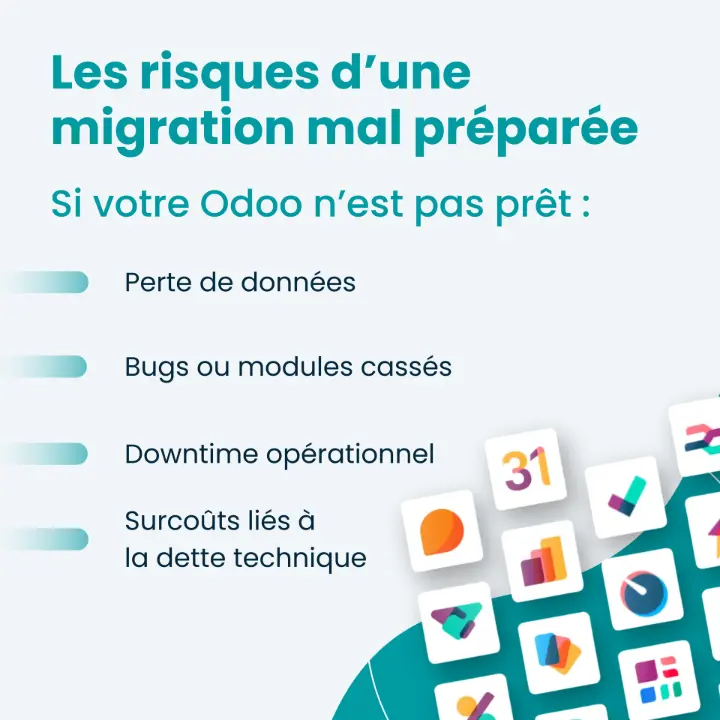
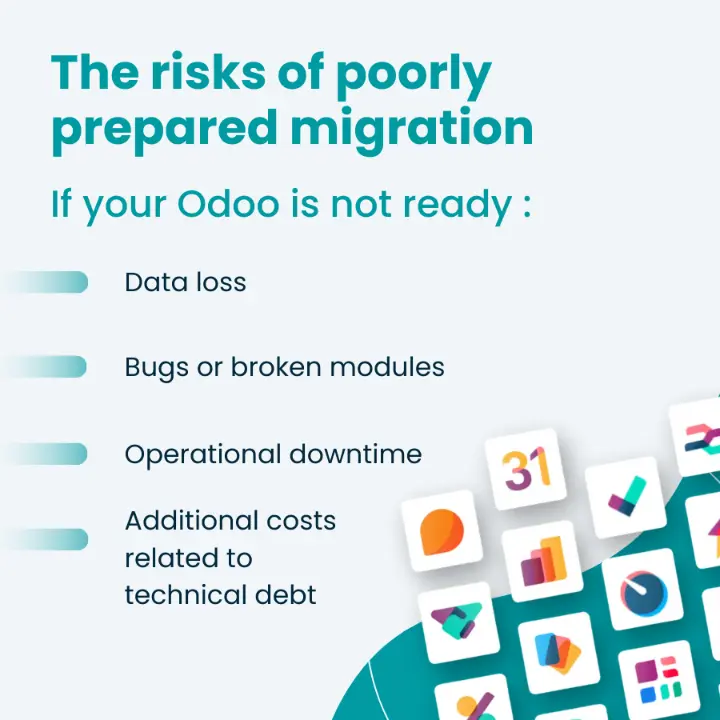
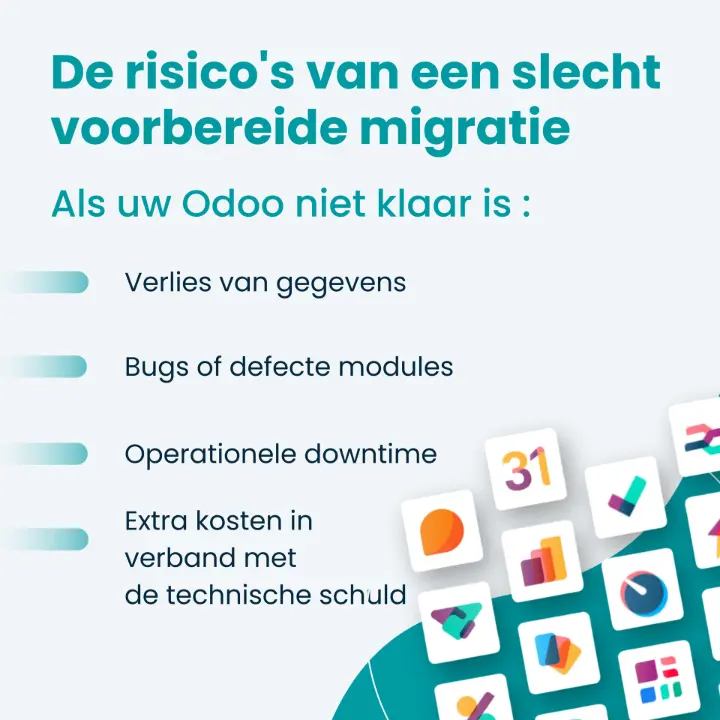
A poorly planned migration can lead to technical errors, data loss, and reduced adoption by teams. Here are some specific risks:
- Incompatible modules : Custom modules may become obsolete or incompatible with the new version of Odoo.
- Data loss : If the migration is not carried out properly, crucial data may be lost or corrupted.
- Production stoppages : Prolonged shutdowns can harm your business and revenue.
- Unforeseen costs : Technical debt accumulated in older versions may lead to additional costs during migration.
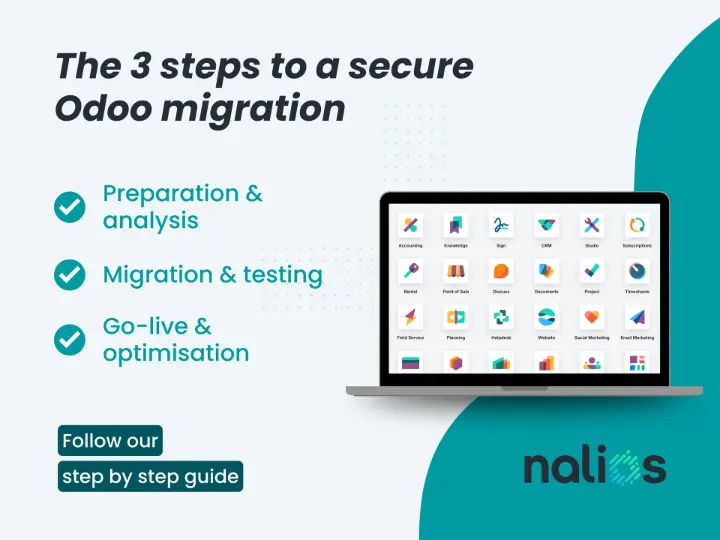
Key steps in the Odoo migration process
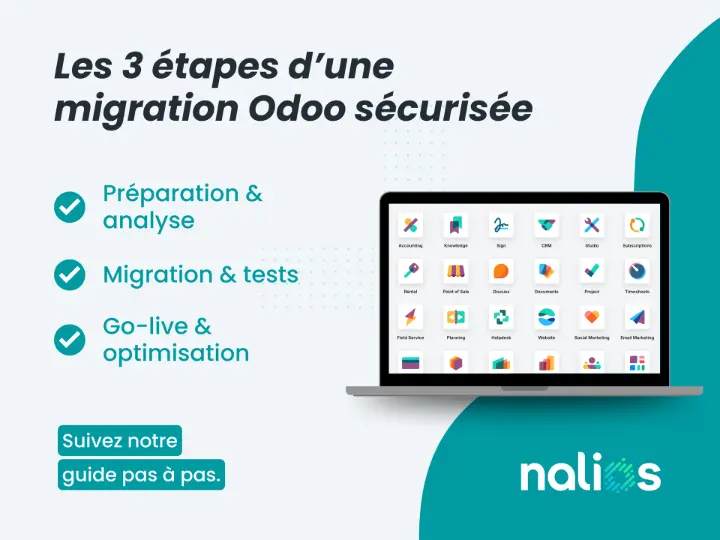
1. Preparation for migration
Allocate Human and Technical Resources
Migrating Odoo can be an intensive process. Ensure that key users are available to participate in the preparation and ensure everything goes smoothly.
Check the Current Version of Odoo
Before beginning the migration, it’s essential to know the version currently used by your company. This will help you understand the available features and any potential incompatibilities with the new version.
Evaluate Third-Party Applications and Developments
External applications and custom developments must be considered to ensure they will be compatible with the updated version.
Analyze Existing Business Processes
Document how Odoo is currently used within your organization. This analysis will serve as the foundation for integrating improvements into the upgrade.
Test Odoo’s New Features
Before migrating, a demo or walkthrough of the new version of Odoo will allow you to evaluate the new features and adapt your processes accordingly.
2. The migration and testing phase
Collaborate with an Experienced Odoo Partner
A certified Odoo Gold Partner, like Nalios, is crucial to ensuring a successful migration. They should have full access to your environment and backups.
Validate Developments to Keep
Some custom developments may need to be excluded or enhanced to optimize the new version. A prior analysis is therefore essential.
Thoroughly Test the New Version
Testing is essential to ensure everything functions as expected. Forming a dedicated testing team will help identify errors before going live.
User Training
Although you are already familiar with Odoo, additional training is recommended to accommodate new features and changes. Train your internal ambassadors to ensure optimal system adoption.
3. After the migration: Ongoing follow-up and optimization
Post-Migration Follow-up
Once the new version is live, follow-up is necessary, especially during the first two weeks, to resolve any unexpected issues.
Continuous Optimization and Refining of Processes
Plan follow-up sessions to refine processes, provide new training, and explore continuous optimizations.
Management of Developments and Customizations
It is important to regularly evaluate custom developments. Those that are no longer used can be removed, which will make future migrations easier.
Case study : Auvray Energy — A successful Odoo migration with Nalios
Background : Auvray Energy, a company specializing in the installation of photovoltaic panels and charging stations, faced serious digitalization challenges before migrating to Odoo. The excessive use of manual processes and paper documents significantly slowed down its operations, leading to major inefficiencies, particularly in customer management and invoicing.
Problematic : Although the company started with Odoo 14, the initial implementation did not meet its expectations. The system had become too complex with unused custom developments, which complicated updates and maintenance.
Nalios Solution : After a thorough analysis, Nalios recommended a migration to Odoo 16, removing unnecessary customizations and optimizing existing processes. By eliminating approximately 75% of the redundant code, the standard Odoo solution was restored, simplifying the system.
Results :
- Productivity improvement : Automating customer communications, such as sending SMS reminders, has reduced unnecessary travel and increased customer satisfaction.
- Billing and quote optimization : Quote management has become more responsive, and expiration tracking has been automated.
- System stability : Removing unnecessary customizations has enhanced stability and ease of future development.
Conclusion : Thanks to the migration to Odoo 16, Auvray Energy has doubled its productivity and optimized its processes. The collaboration with Nalios ensured a smooth transition and delivered substantial improvements to its daily operations.
Want to discover more testimonials?
Discover how XLG optimized their processes through Odoo migration!
Why choose Nalios for your Odoo migration?
Recognized Expertise for Your Migration Project
With over 10 years of experience, Nalios is one of the market leaders as an Odoo Gold Partner integrator. Our team of experts will guide you throughout the migration process, providing strategic advice and optimizing your developments for the latest version of Odoo.
A Personalized Approach Tailored to Your Needs
Every company is unique. At Nalios, we tailor migrations to your specific needs to ensure that you fully benefit from Odoo’s latest features while ensuring a smooth transition with no service interruptions.
Discover Your Future with Odoo
Contact Nalios today to start your Odoo migration with confidence. We are ready to help you modernize your ERP system and optimize the efficiency of your operations.
Ready to secure your migration ?
Request your free migration assessment. Our Odoo experts are ready to support you every step of the way to ensure a fast and secure migration.