On-site service has disappeared from Odoo 20. Not your features.


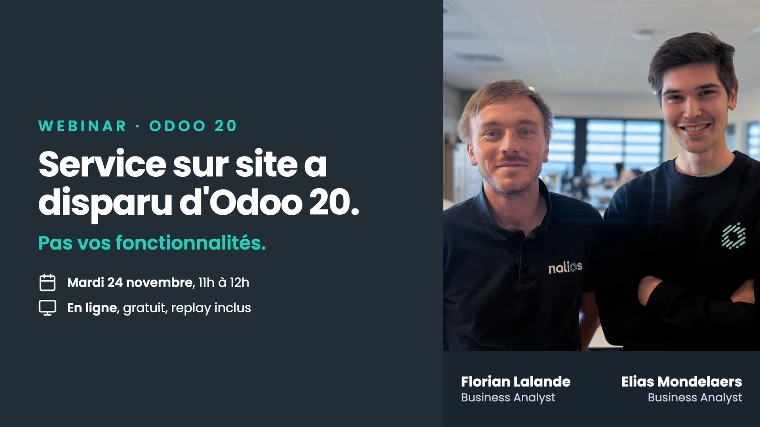
You open Odoo 20 and the On-site Service app is no longer there. No message, no explanation: it has disappeared from the dashboard. The good news is that your features still exist. They have simply changed addresses. The Tuesday, November 24, Maxime Peret and Florian Lalande will show you where everything has gone.
01 What really happened
Odoo did not remove the on-site service. The publisher removed the app and integrated its functions into Planning.
For your teams, the translation boils down to one sentence: an intervention becomes a shift. Your technicians no longer open a dedicated app on their phone, they open Planning. Dispatchers and field workers finally work in the same schedule, which resolves a gap that many of you are well aware of.
Scheduling, the map, work sheets, travel expenses, and client equipment tracking are still there. Some of these functions have even improved.
02 On the agenda
1 · Where to find your functions
A live guided tour in Odoo 20. You leave knowing where to click for each of the actions you took yesterday, and what has changed in the process.
2 · What it implies if you migrate
A change of this nature is not limited to the interface. Reports, saved filters, automations, and specific developments built around the on-site service deserve a check. We will tell you where to look.
3 · Your questions
A time for exchange at the end of the session. If you are wondering what this change means for your specific setup, now is the time to ask.
Your features have not disappeared. They have changed names and places. Both matter.
💡 The Nalios perspective
On the whole, this merger is good news. In practice, the cost is not negligible: there is retraining, sometimes reports to redo, and development to resume.
Our position is therefore nuanced. If you are well-equipped around the on-site service, test the migration on a copy of your database before announcing a date to your field teams. If you use it lightly, the transition will be almost seamless.
03 Who this webinar is for
For companies that send people into the field: maintenance, installation, troubleshooting, technical services. Specifically, for operations managers, dispatchers, Odoo functional referents, and management who need to arbitrate a version upgrade.
Whether you are already in Odoo 20 and a bit lost, or still on an earlier version and preparing for migration, the session covers both situations. No technical skills required.
04 Practical information
The replay is sent to all registrants. You can therefore register even if the time slot does not suit you.
What to remember
One app less, your functions complete.
Reserve your spot
Registration is free and takes less than a minute. Come with your current setup in mind: it's the best use of question time.