Customer Rebates – Supplier Rebates Add-on
Add-on for Customer Rebates & Year-End Bonuses: the same agreements on vendor bills (supplier rebates, back margins). The price shown is the one of the main app, charged once.


Présentation du module

/ Odoo 20 · Purchase
Supplier Rebates Add-on
Add-on for Customer Rebates & Year-End Bonuses. The price shown on this page is the price of the main app, charged once: this add-on itself is free and installs automatically when Customer Rebates and Purchase are both installed. It brings the same agreements to your vendor bills: the back margins and year-end rebates your suppliers owe you.
What it adds
The rebates you receive, followed like the ones you grant
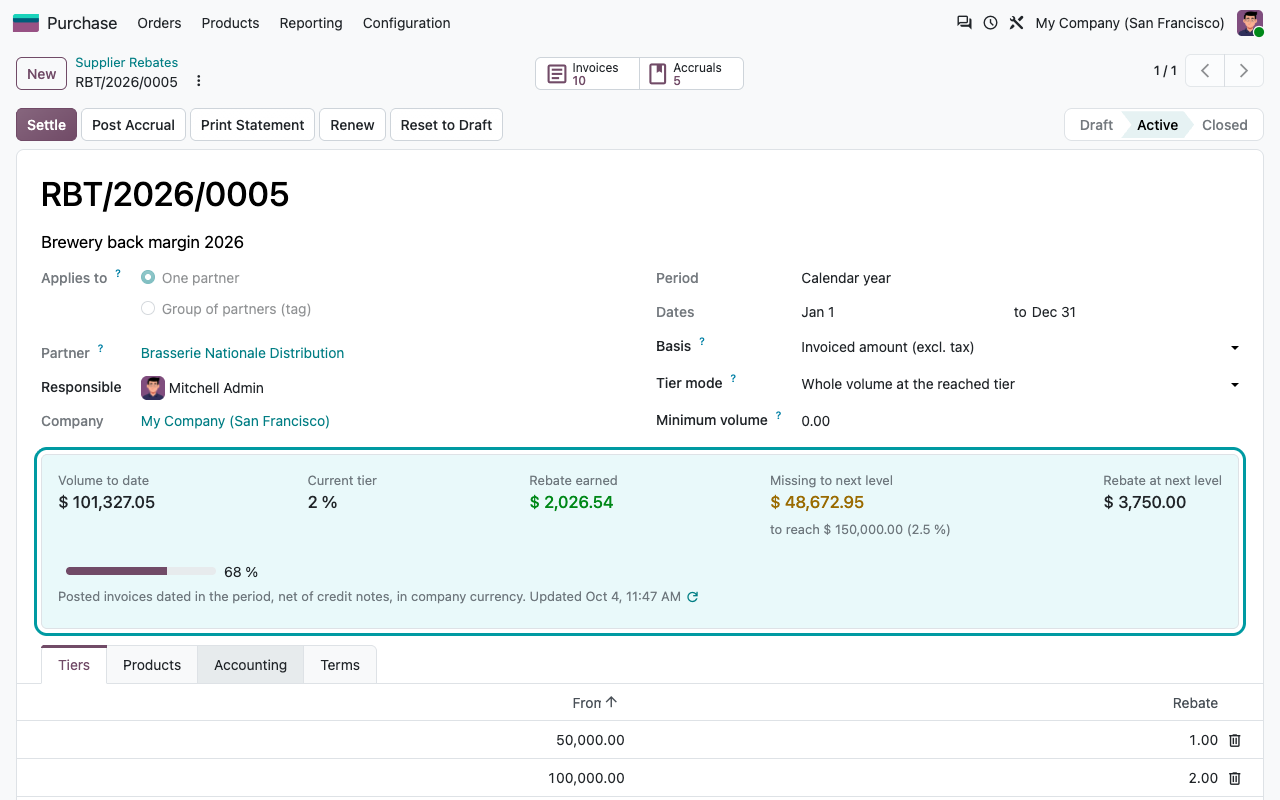
A Supplier Rebates menu under Purchase > Orders (and Invoicing > Vendors). Everything else works as in Customer Rebates: tiers, whole or incremental, scope, minimum, statement, renewal.
Volume from vendor bills
Posted vendor bills dated in the period, net of vendor credit notes, excl. tax, in company currency. Amount or quantity basis.
Live progress
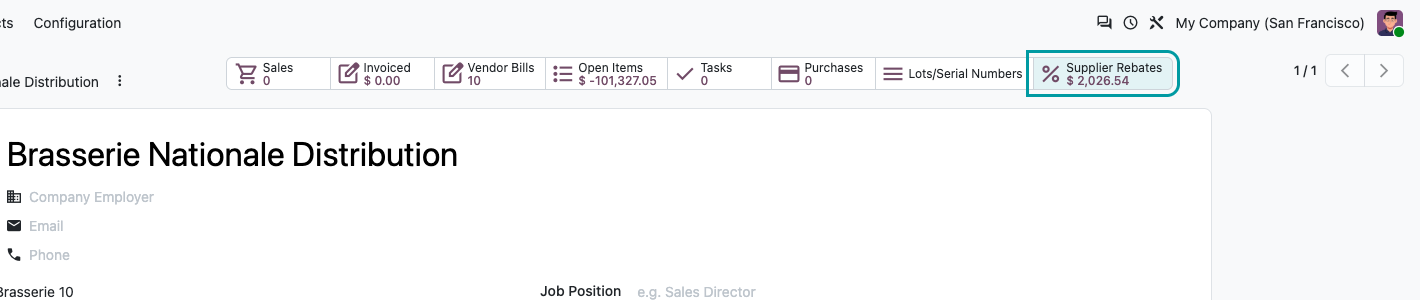
Purchased volume to date, tier reached, rebate earned and amount missing to the next tier, on the agreement and in a Supplier Rebates smart button on the vendor.
Accrued rebates to receive
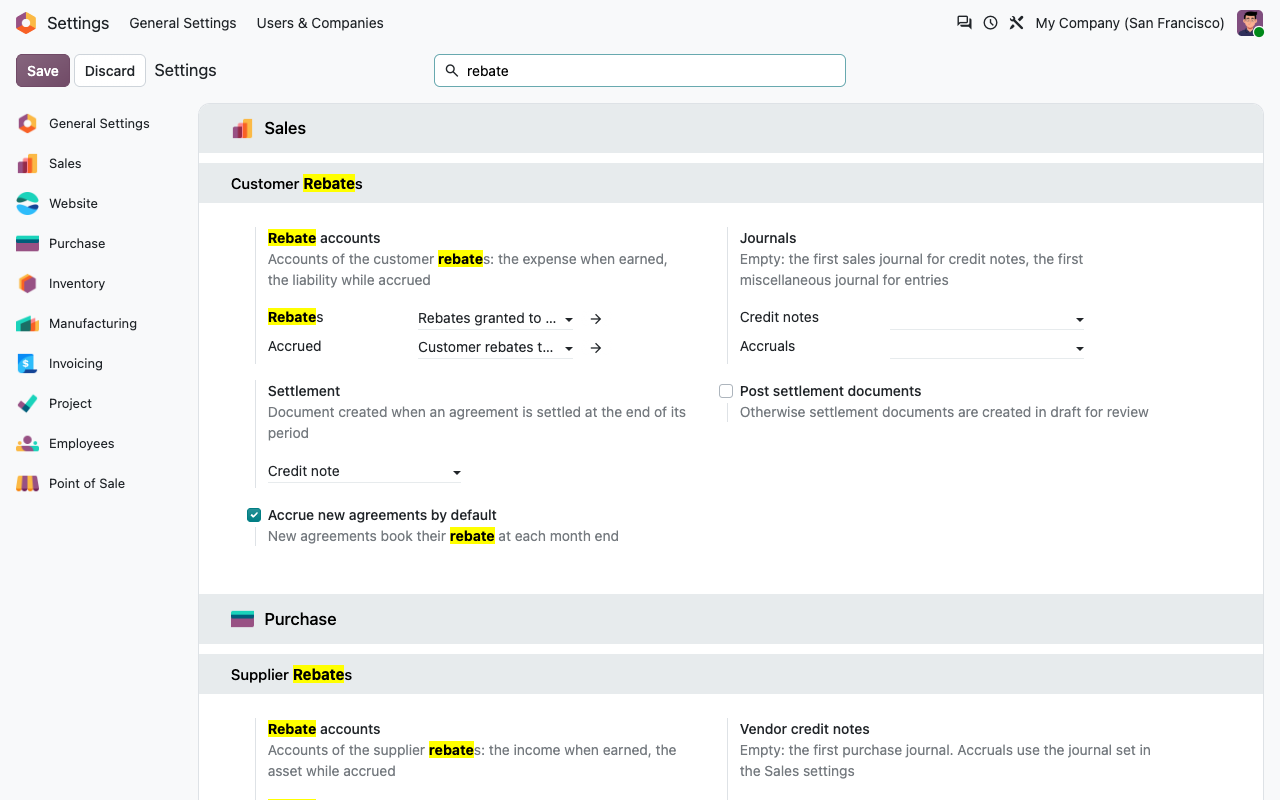
Monthly accruals book the rebate earned on the supplier rebates account against an asset account, reversed at settlement.
Vendor credit note at year end
One vendor credit note per period, split by the purchase tax rates of the bills, or a journal entry on the supplier's receivable account. Never twice.
On the vendor
Supplier rebates at a glance
Under the hood
Precise details
A question? A problem? Talk to the people who built it.
We will get back to you within 8 business hours.

Email us directly at
Published by
Nalios — Odoo Gold Partner, Belgium — nalios.be