EDI Connector
The fully configurable EDI hub for Odoo. Webhook, FTP, SFTP, AS2 & Transus — XML, JSON, EDIFACT, fixed-width or CSV — mapped to any Odoo model, header + lines included, no code required.


Module presentation

/ Odoo 19 · EDI
EDI Connector
The fully configurable EDI hub for Odoo. Webhook, FTP, SFTP, AS2 & Transus — XML, JSON, EDIFACT, fixed-width or CSV — mapped to any Odoo model, header + lines included, no code required.

Coverage
One connector. All channels.
Configure exchanges with any partner — on any Odoo model — without writing a single line of code.
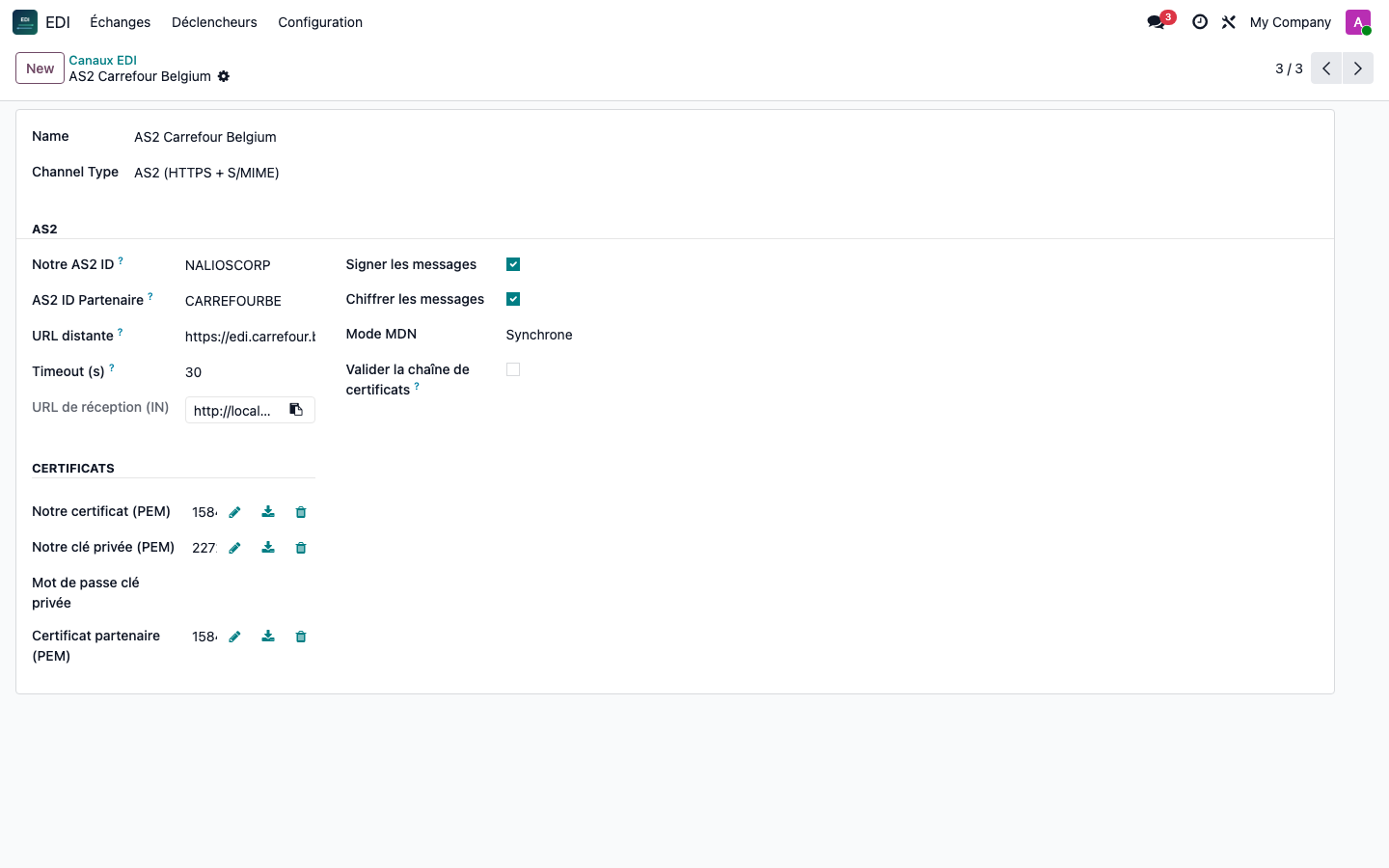
Each channel supports XML, JSON, EDIFACT (segments D.01B — ORDERS, DESADV and any other type of message), fixed width (historical positional flat files) and CSV. Multiple incoming profiles per channel are automatically associated by root tag, EDIFACT message type or file extension — one FTP folder, multiple partners.
Getting started
Configured, not coded
1
Create a channel
Webhook, FTP, SFTP, AS2, Transus or manual export. Timeout, file name template, identifiers — all in the form, with a one-click connection test.
2
Map any field — header and lines
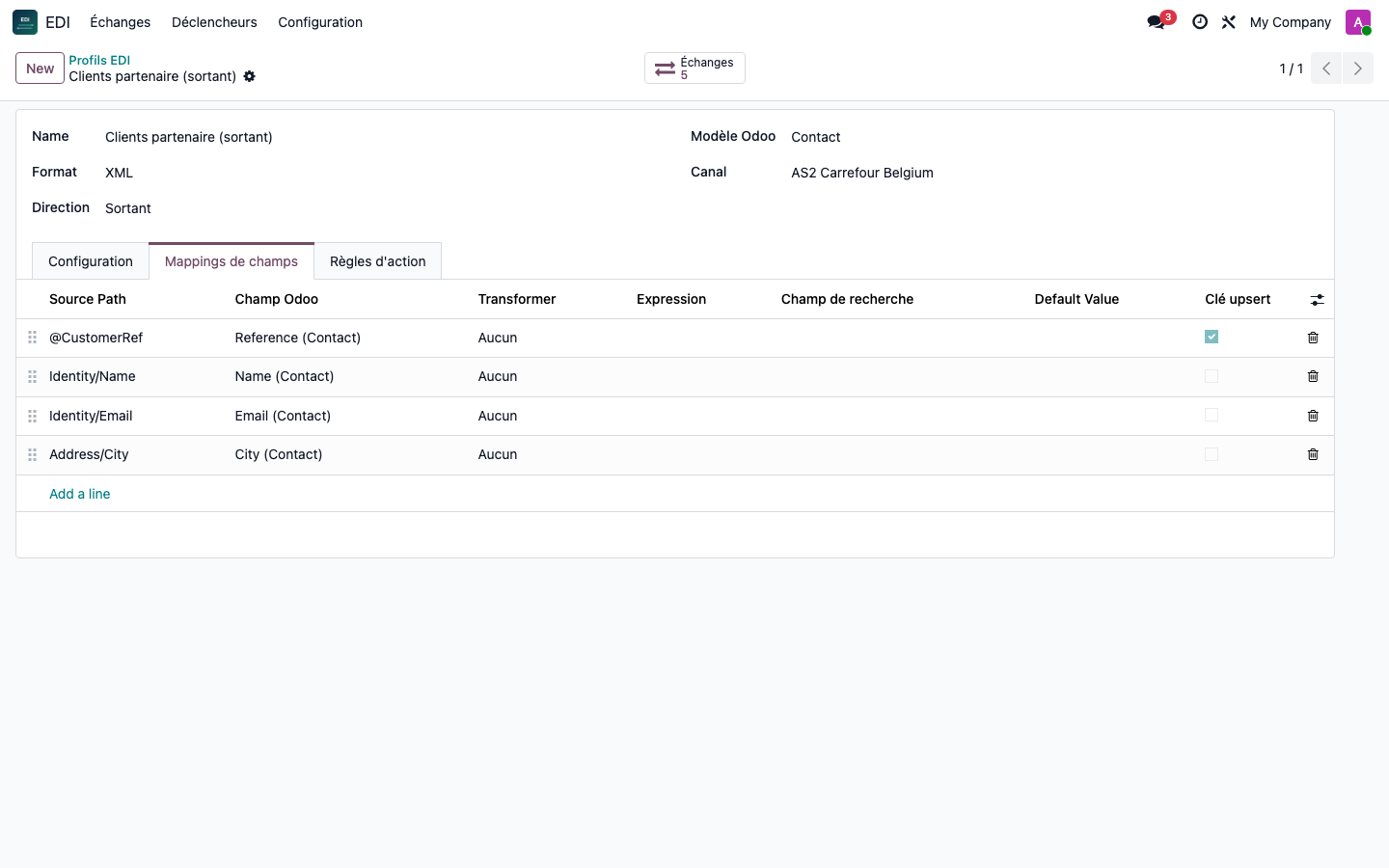
Choose the Odoo template, map XML, JSON, EDIFACT, fixed width or CSV paths to fields with transformers. Add a line template to build a real header + lines document, not a flat record per line.
3
Track each exchange
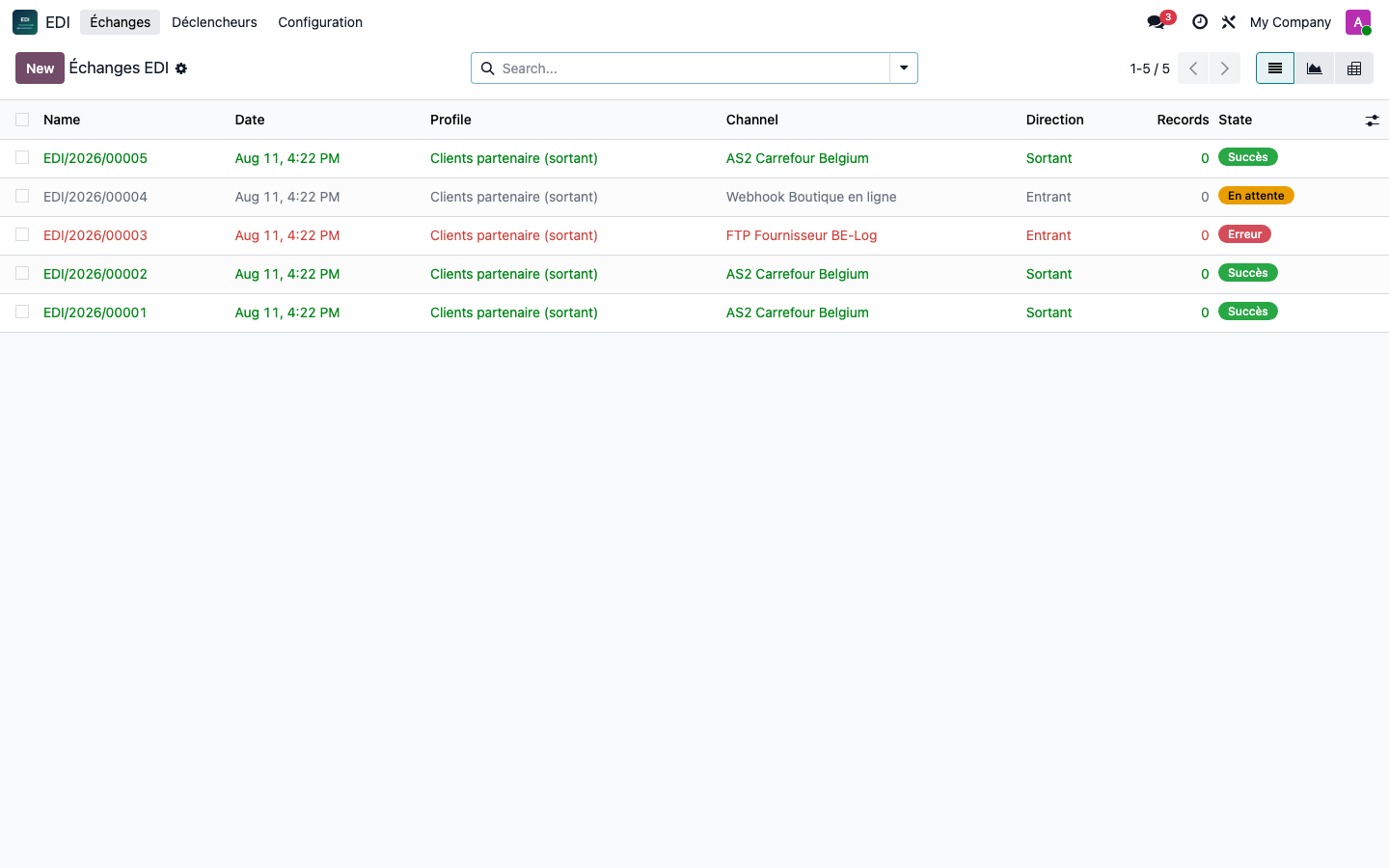
Each incoming and outgoing payload is logged with its status, error, and processed records. Restart a failed exchange with one click, access the created/modified record via a smart button.
Differentiators
Designed for real EDI operations
One-click restart
Any exchange in failure — incoming or outgoing — can be restarted with one click, with the complete error trace preserved for diagnosis.
Five formats, one mapping engine
Change the format of a profile without rewriting the logic — field mappings, transformers, and action rules work the same on XML, JSON, EDIFACT, fixed width, and CSV.
Real header documents + lines
Point a profile to a line model and its one2many field (ex: sale.order.line on order_line) — an order file becomes an order with all its lines. Idempotent in case of restart: lines are replaced, never duplicated.
AS2 does it right
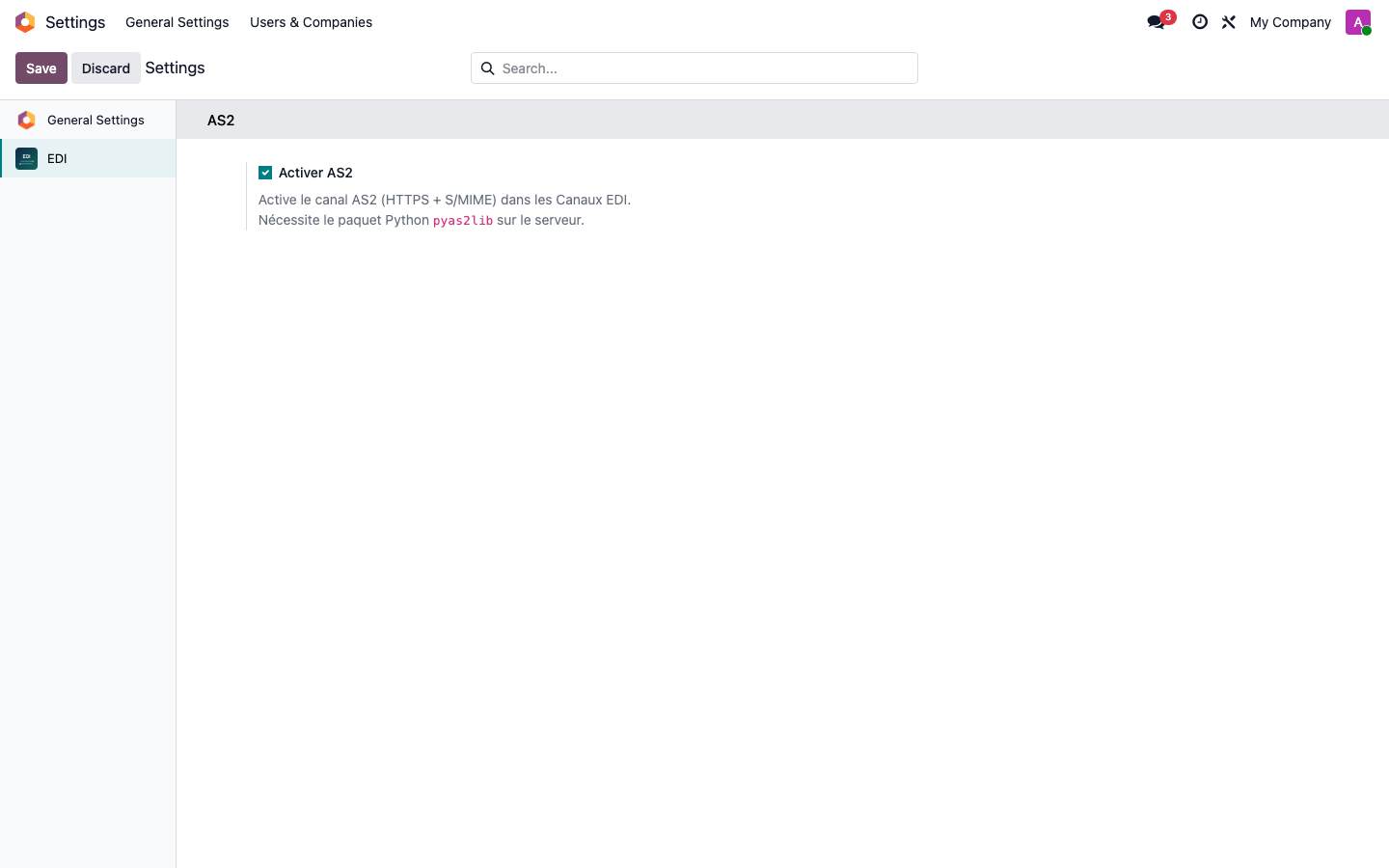
Signed and encrypted messages (S/MIME), synchronous or asynchronous MDN, dedicated reception endpoint per channel. Enable or disable all functionality from Settings.
Multi-message EDIFACT files
A single interchange containing multiple orders (multiple UNH/UNT blocks) is correctly split — each message becomes its own record with its own header and lines, never mixed.
Historical fixed width & CSV
Positional flat files (multiple record type prefixes per line) and delimited CSV exports both map with the same header/lines engine — including multi-segment records and denormalized CSV grouped by a repeated key column.
Complete EDIFACT envelope
Optional UNB/UNZ interchange envelope on outgoing messages (sender/recipient GLN, control reference) — incoming mappings can also read fields at the envelope level, not just the message body.
Outgoing batch exports
Configure a batch size per profile to split large sets of outgoing records into several calibrated files rather than a single giant payload.
Two access levels & quick filters
EDI User (viewing & follow-up) and EDI Manager (full configuration). Filter exchanges by error, pending, today or direction, and analyze volumes with the built-in chart and pivot table views.
Flow example
Any Odoo model, any partner format
01
A distributor uploads an EDIFACT ORDERS file to your FTP
02
It is associated with the correct profile based on its message type
03
Becomes a sales order, the buyer is resolved, each line attached (barcode, quantity, description)
04
You update the delivery
05
A DESADV confirmation is sent back via AS2, signed and encrypted, with a receipt (MDN) proving delivery
No specific module per partner. No redevelopment by format.
Under the hood
Technical points
Documentation complete
A complete illustrated guide covering each channel, mapping option, and trigger — from your first profile to AS2 and EDIFACT envelopes.
📄 English guide (PDF) 📄 Guide en français (PDF)A question? A problem? Talk to those who designed it.
We will respond within 8 business hours.
Write to us directly at
Published by
Nalios — Odoo Gold Partner, Belgium — nalios.be