SQL Query to CSV Export
Run a read-only SQL query and download the result as a CSV file. Administrators only.


Présentation du module

/ Odoo 20 · Administration
SQL Query to CSV
Type a SELECT query, click Generate, download the CSV. For administrators who need data the standard Export cannot give: joins, totals, audits. Read-only by design.
What it does
Any data out, nothing changed
No psql, no pgAdmin, no database credentials to share: the query runs from Odoo itself, which is often the only way in on Odoo.sh.
Full SQL
Joins across tables, GROUP BY, aggregates, window functions, CTEs. If PostgreSQL can select it, you can export it.
Ready for your spreadsheet
A header row with your column names or aliases, semicolon separator, UTF-8. The file name carries the date and time of the export.
Read-only, enforced
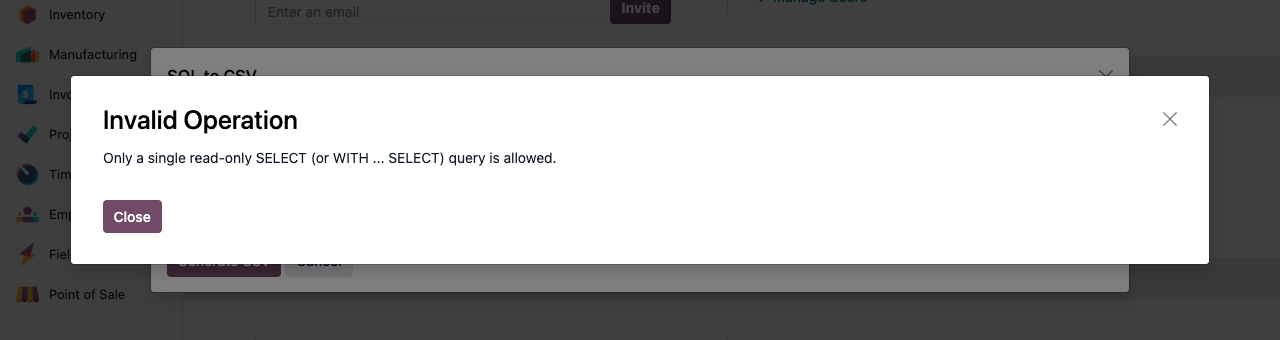
Only one SELECT or WITH statement is accepted, and it runs in its own read-only transaction that is rolled back afterwards. INSERT, UPDATE, DELETE or DDL cannot touch your data.
Administrators only
The menu, the action and the model are restricted to Settings administrators. Other users get an access error, through the interface and through the API.
How to use it
Three clicks to your file
1
Activate developer mode
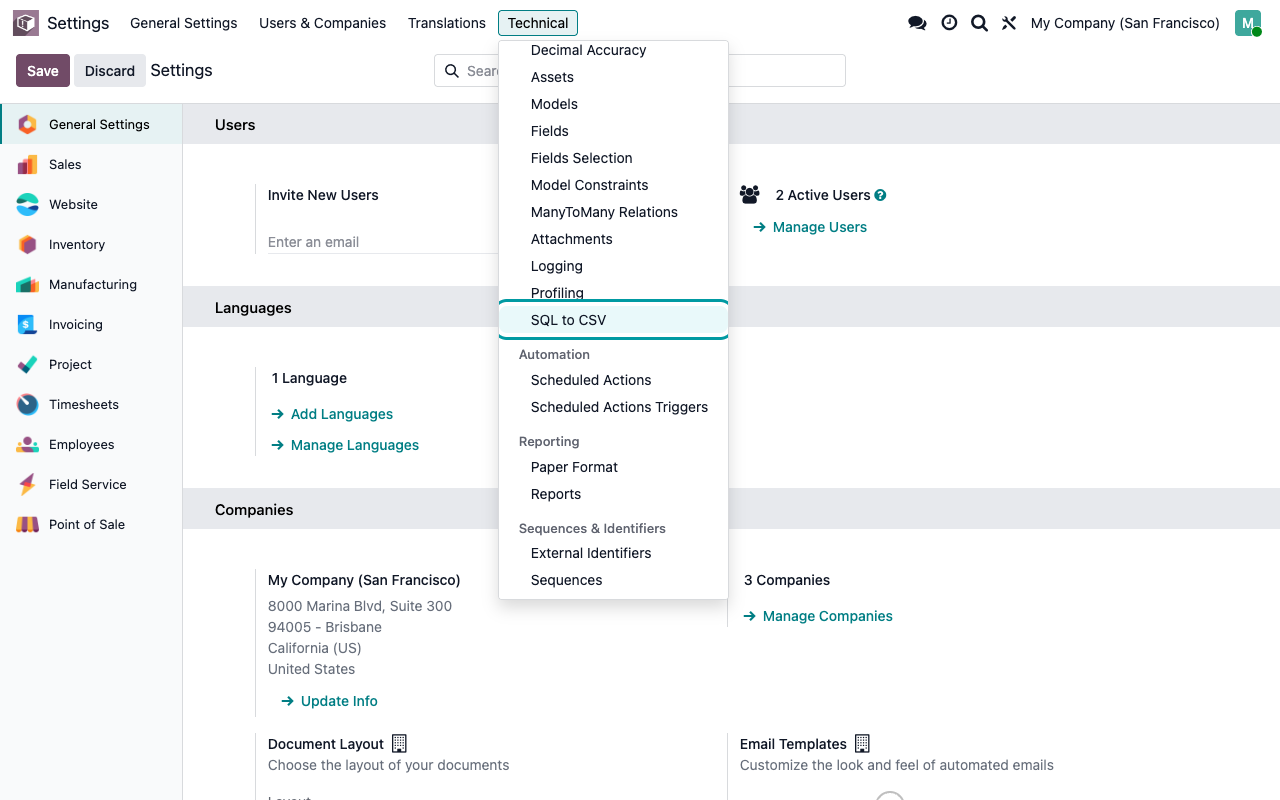
The tool lives in Settings > Technical > Database Structure > SQL to CSV.
2
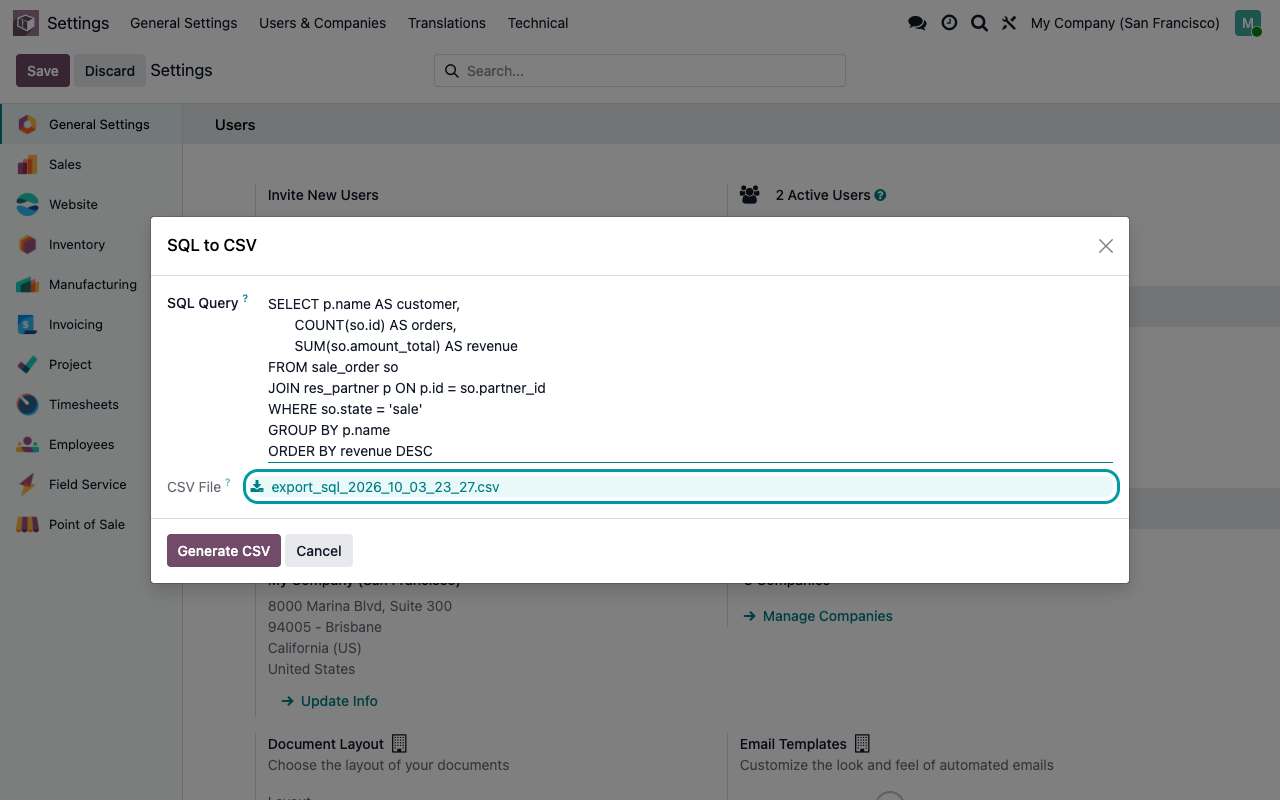
Write your query
One SELECT or WITH ... SELECT statement. A trailing semicolon is fine.
3
Generate and download
Click Generate CSV and download the file. Change the query and generate again as often as you need.
Good to know
The details
Read-only, not harmless
An administrator can read any table with this tool, including sensitive ones such as user credentials and API keys. Keep the Settings group for the people who are allowed to see everything.
A question? A problem? Talk to the people who built it.
We will get back to you within 8 business hours.

Email us directly at
Published by
Nalios — Odoo Gold Partner, Belgium — nalios.be