PDF Compression
Shrink PDF attachments and your filestore with Ghostscript or pikepdf, on demand or on schedule.


Présentation du module

/ Odoo 20 · Technical
PDF Compression
Shrink the PDF attachments that weigh on your filestore, your backups and your Odoo.sh storage. Run it on a selection, or let a scheduled action work through your whole history in the background. Free.

What it does
A lighter filestore, the same documents
Vendor bills, catalogues, scans and mail attachments pile up for years. This module recompresses them in place.
On demand
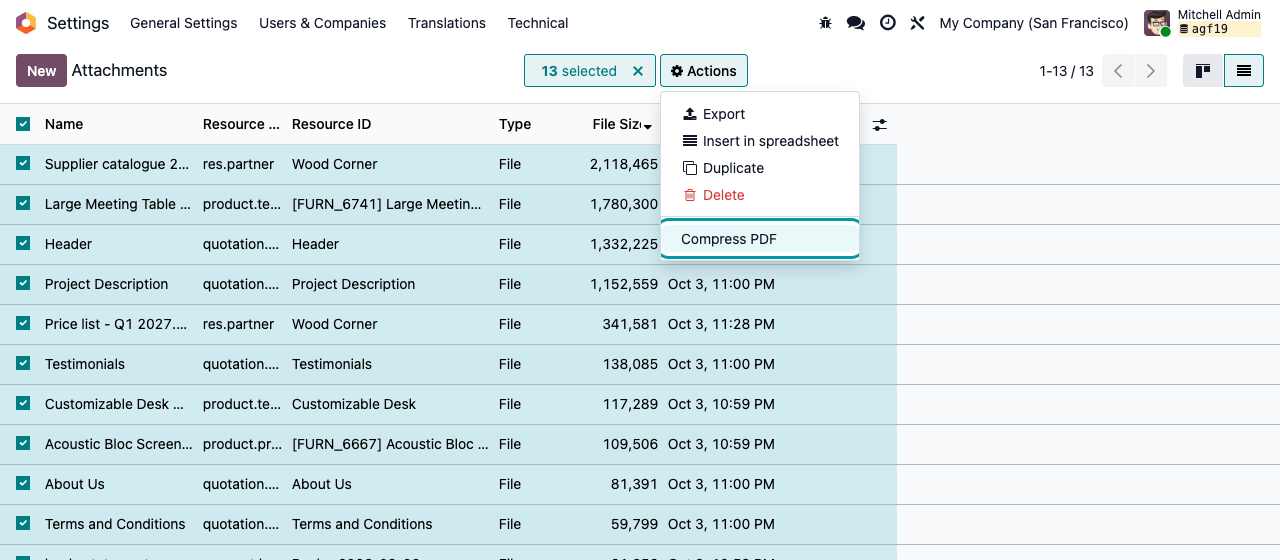
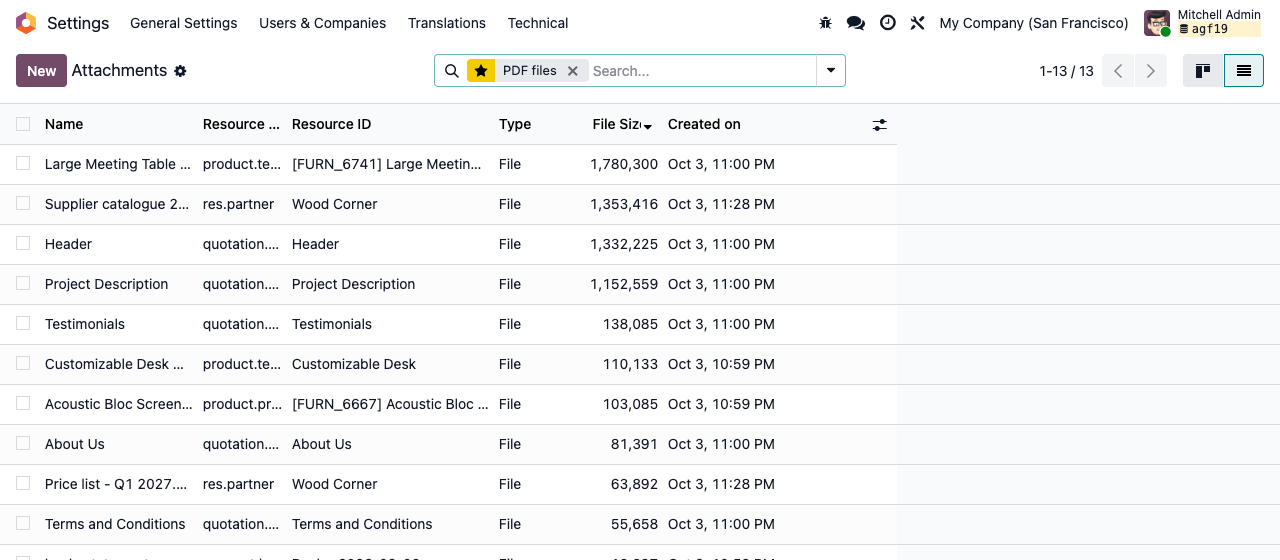
Select attachments, then Actions › Compress PDF. A notification tells you how many PDFs were compressed and how many MB you saved.
In the background
Activate the scheduled action: it takes the 50 oldest unprocessed PDFs per run and starts again until your history is done, then handles new PDFs every day.
Best of two engines
Ghostscript downsamples images (big gains on scans). pikepdf recompresses streams without loss. When both are installed, the smallest result wins.
Safe by default
A file is replaced only when the result is at least 5% smaller. Each PDF is flagged once processed, so it is never compressed twice.
Real numbers
Before and after, on a demo database
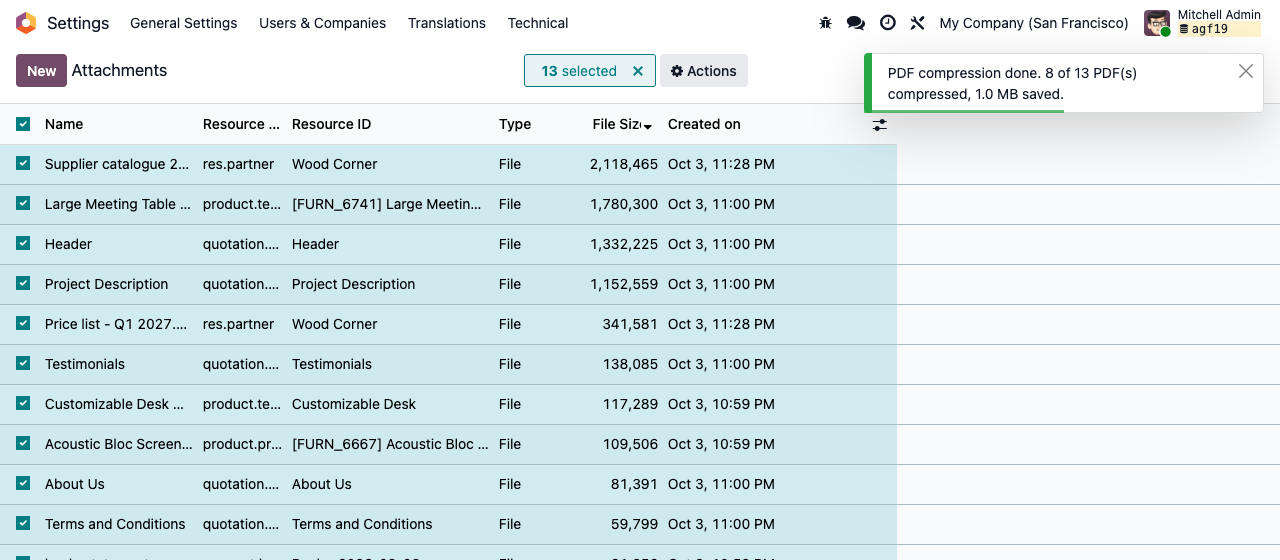
Odoo 19 demo data with pikepdf only, no Ghostscript: 8 of 13 PDFs rewritten, 1.0 MB saved. The 2.1 MB supplier catalogue went down to 1.35 MB and the 342 KB price list to 64 KB; PDFs that were already optimised stayed as they were. Scanned documents shrink far more with Ghostscript.
Before: PDF attachments sorted by size
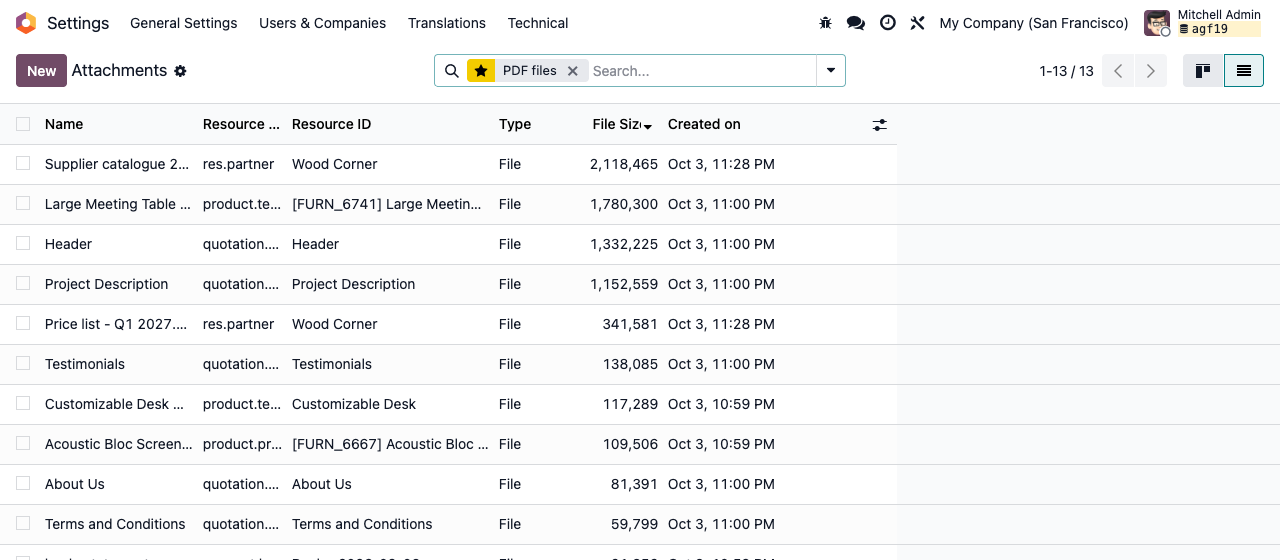
After: the same attachments, compressed
Setup
Install an engine, then compress
1
Add an engine
Install Ghostscript (gs) on the server and/or the pikepdf Python library (on Odoo.sh, add pikepdf to requirements.txt). At least one is required.
2
Compress a selection
Developer mode, then Settings › Technical › Database Structure › Attachments. Select PDFs, then Actions › Compress PDF.
3
Automate it
Settings › Technical › Automation › Scheduled Actions › “Attachments: compress PDFs”: activate it. It is off by default.
Under the hood
How it works
Read this before compressing everything
The original file is replaced and cannot be restored after the clean-up. Ghostscript is lossy: images are downsampled and the file is rewritten as PDF 1.4, so PDF/A conformance can be lost. Any rewrite, with either engine, breaks digital signatures. There is no exclusion rule by model or name: test on a copy of your database first, and keep signed documents out of scope.
A question? A problem? Talk to the people who built it.
We will get back to you within 8 business hours.

Email us directly at
Published by
Nalios — Odoo Gold Partner, Belgium — nalios.be